


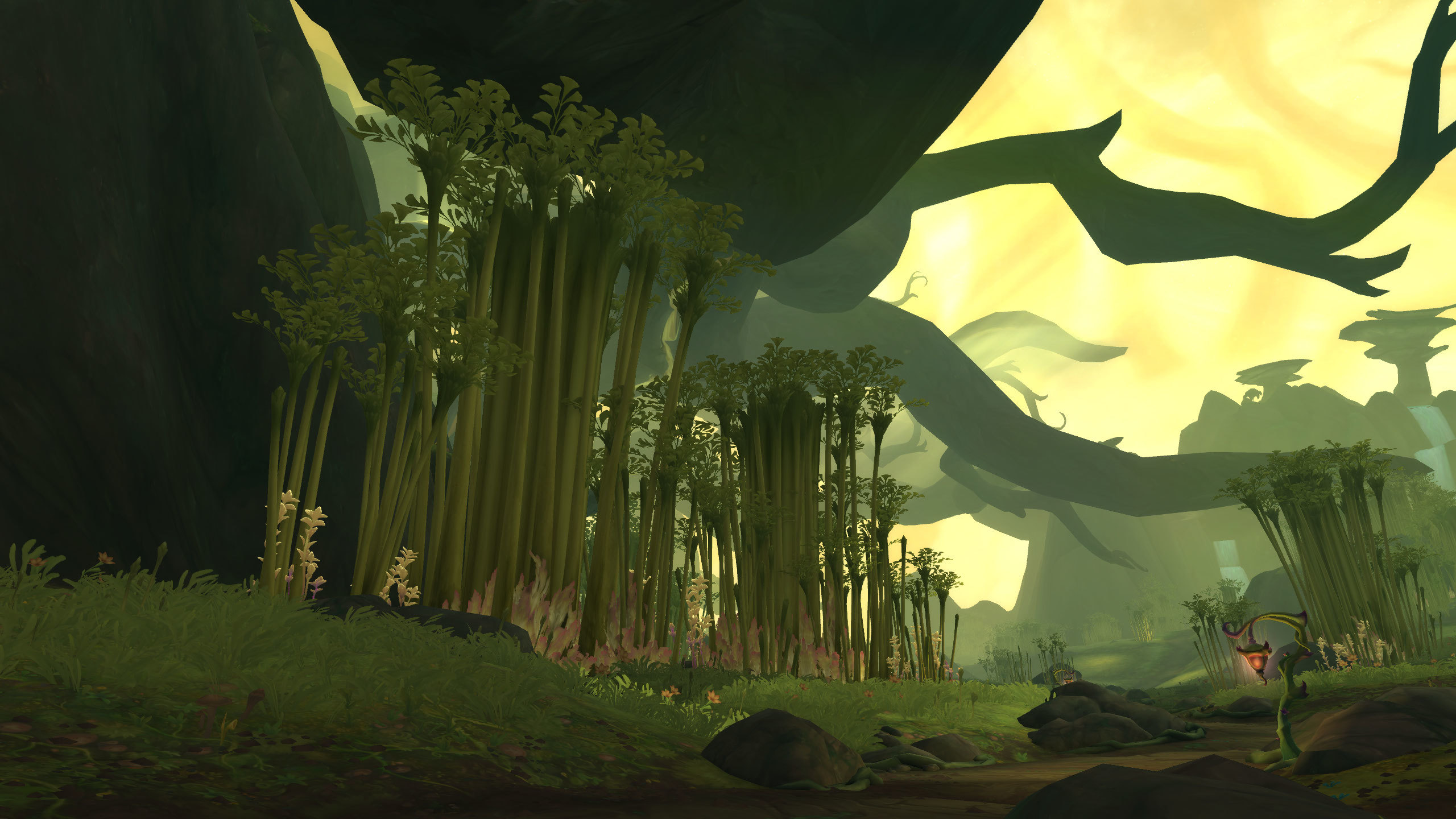
Azeroth is a world of Unparalleled Art Direction, yet most players capture it through cluttered, low-angle “snapshots” that fail to do justice to the scale of the landscape. This is Visual Under-Representation. “The Screenshot Guide” is the discipline of Digital Cinematography. By mastering the “Action Cam,” field-of-view manipulation, and lighting timing, you transform a standard gameplay moment into a Cinematic Masterpiece, preserving your hero’s legacy with the dignity of a professional artist.
The “UI Erasure” Fundamental
Most players suffer from Interface Intrusion, leaving their action bars and chat boxes visible in what should be a scenic shot. This results in Immersion Breaking. A master of the lens practices Total Frame De-Cluttering.
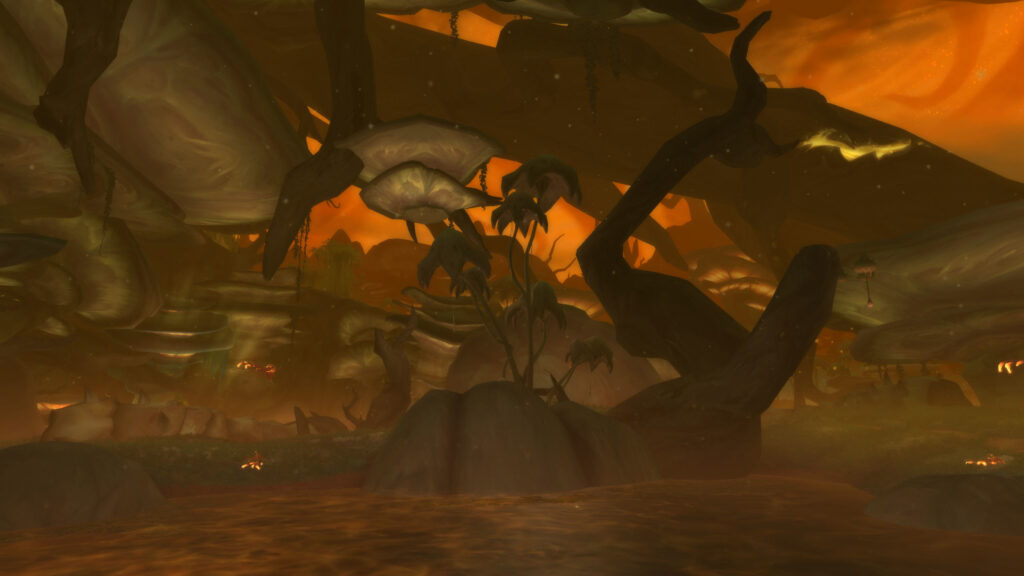
Utilizing the “Alt+Z” command is the non-negotiable first step. By removing the “Game Layer,” you allow the Environmental Storytelling to speak for itself, turning a “Screenshot” into a “Photograph.”
The Pillars of Digital Photography (The Cinematic Rules)
- 1. The “Action Cam” Perspective:
- What: Utilizing the “/console ActionCam full” command to shift the camera to an over-the-shoulder view.
- Why it matters: This is Dynamic Framing. The default “centered” camera is flat and clinical. Shifting the focus to the side creates a Sense of Scale and Direction, making your character feel like they are “inhabiting” the world rather than just floating above it.
- 2. The “Golden Hour” and Weather Effects:
- What: Timing your shots for sunrise, sunset, or during specific zone weather (like Hallowfall’s “Void” shift).
- Why it matters: This is Atmospheric Lighting. Lighting is the difference between “Muddy” and “Epic.” Using “Inky Black Potions” or “Weather Stones” allows you to Manipulate the Environment to match the mood of your character’s journey.

- 3. Emote and Animation Freezing:
- What: Using “/kneel,” “/roar,” or combat animations and hitting the capture key at the peak of the movement.
- Why it matters: This is Action Curation. A static standing pose is boring. Capturing the “Glow” of a spell or the “Weight” of a weapon swing creates Visual Energy, making the image feel alive and storied.
- 4. Field of View (FOV) and Depth:
- What: Zooming in from a distance to compress the background, or using “Selfie Mode” filters.
- Why it matters: This is Depth-of-Field Simulation. By zooming in close on your character while they are far from a mountain, you create a Heroic Silhouette. The background becomes a soft, epic backdrop, focusing the viewer’s eye on the Detail of Your Armor.
Conclusion: The Chronicler of Azeroth
Your journey deserves to be remembered in high definition. By adopting the Digital Cinematography mindset, you transform from a “Casual Snapper” into the Chronicler of Azeroth. You realize that the world’s beauty is a reward in itself.

Master your angles, respect the lighting, and clear the noise. You will find that your gallery becomes a Visual Epic, a testament to your adventures that looks just as legendary as the deeds you performed.
Leave a Reply